


Turn Your Windows Laptop into a Diagnostic Tool
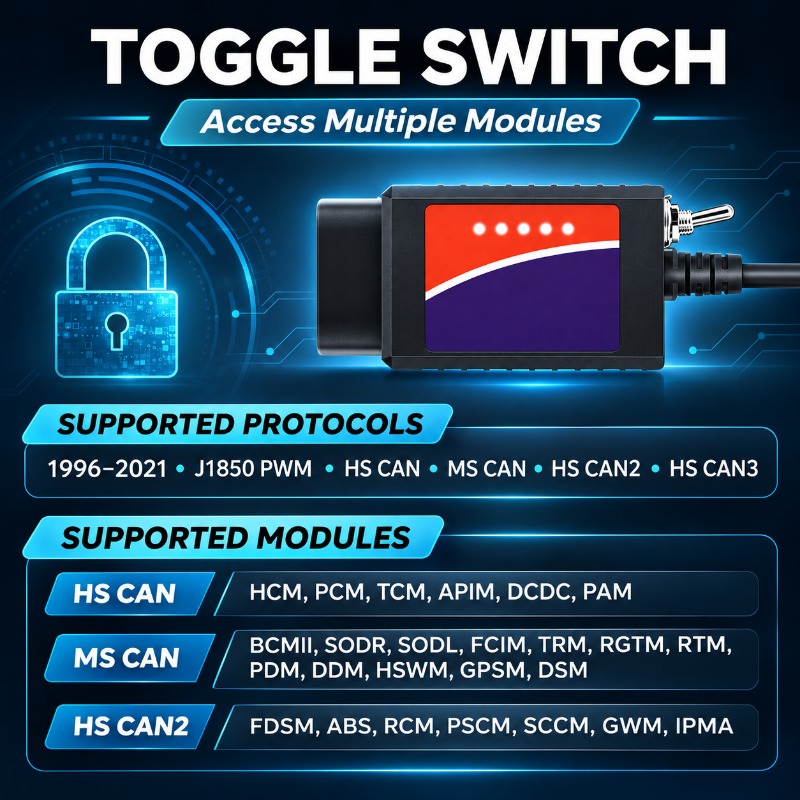
Read fault codes, view live vehicle data, and explore supported configuration options with this USB ELM327 diagnostic adapter. Its manual HS/MS-CAN switch provides access to both networks on compatible vehicles when used with suitable software.
Access HS-CAN & MS-CAN Networks
Go beyond a single-network connection. The built-in toggle switch lets you manually select HS-CAN or MS-CAN to communicate with supported vehicle modules.
With compatible diagnostic software, available modules may include the engine, transmission, ABS, airbag, instrument cluster, and body control systems.
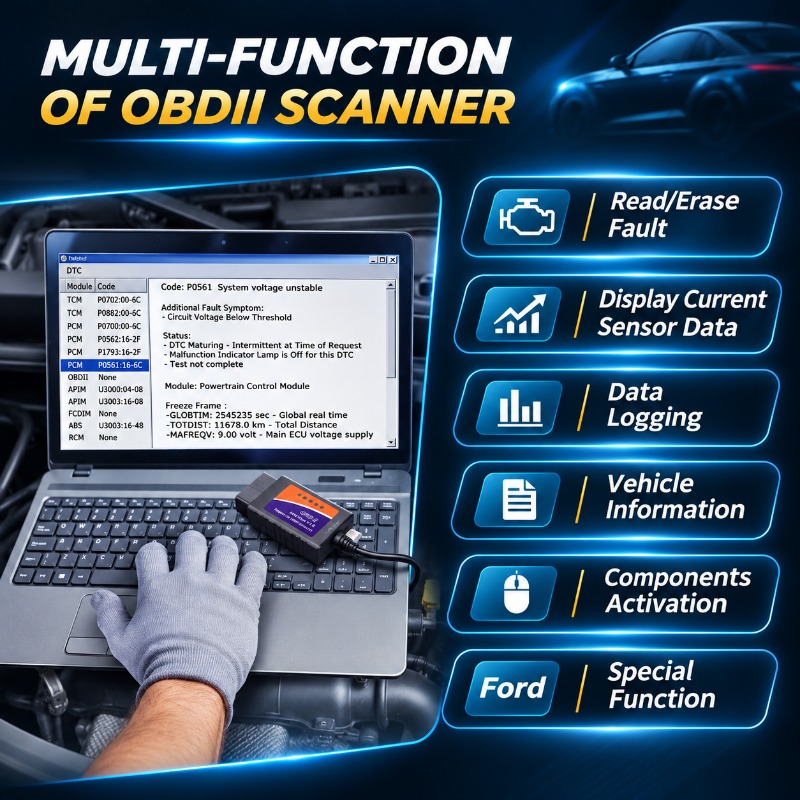
Read Codes, Monitor Data & Understand Your Vehicle
Connect the adapter to your Windows computer and use compatible software to investigate warning lights and review the data available from your vehicle.
- Read and clear diagnostic codes: Review reported faults and clear codes where supported.
- View live sensor data: Monitor available readings such as engine RPM, coolant temperature, airflow, and vehicle speed.
- Record diagnostic information: Use supported data-logging functions to review readings later.
- Explore additional checks: Supported vehicles and software may offer freeze-frame data, readiness status, vehicle information, and selected component tests.
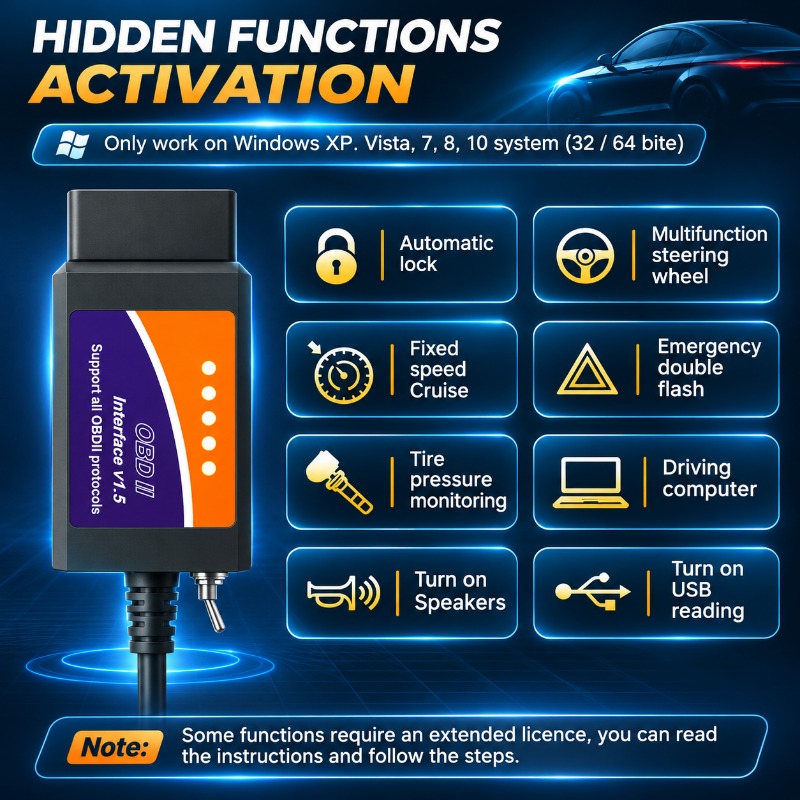
Explore Supported Hidden Features
On compatible vehicles, suitable configuration software can provide access to selected settings that are not available through the normal dashboard menus.
Depending on the model and its installed equipment, options may include automatic door locking, remote window operation, trip-computer displays, and other supported convenience settings.
- Vehicle-specific options: Available settings differ by model, year, market, trim level, and module version.
- Hardware requirements: Features such as cruise control, automatic headlights, or rain-sensing wipers may require additional compatible hardware.
- Software authorization: Some configuration functions require an extended software license obtained separately.
Check Your Vehicle & Computer Compatibility
Intended for use with compatible Ford, Lincoln, Mazda, and Mercury vehicles through suitable diagnostic software. Confirm support for your specific vehicle and intended function before purchasing.
- Computer connection: Wired USB connection to a compatible Windows computer.
- Vehicle connection: 16-pin OBD connector.
- Software: Use a compatible application such as FORScan for Windows. Other applications require their own compatibility checks.
- System requirements: Your Windows version must be supported by both the adapter driver and your chosen software.
- Phone compatibility: This USB version is not intended for direct use with iPhones or Android phones. It has no Bluetooth or Wi-Fi.

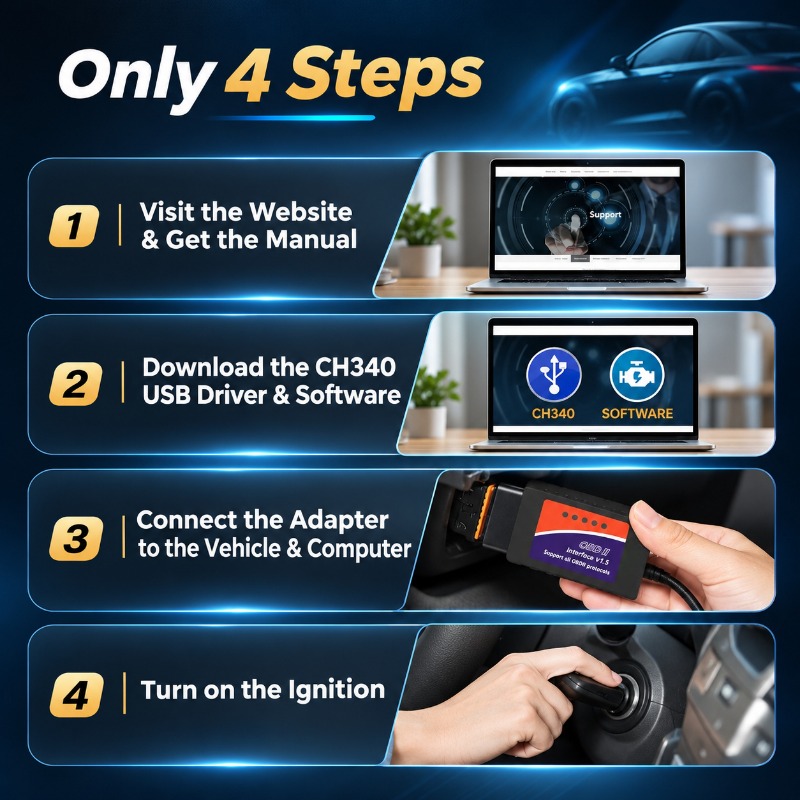
Get Started in Four Steps
Driver and software installation are required before use. This is a computer interface, not a standalone scanner with its own screen.
- Download the software and correct driver. Obtain your diagnostic software from its official website and use the USB driver supplied or specified for your adapter.
- Install and check the USB connection. Connect the adapter to your computer, complete driver installation, and check that Windows recognizes its COM port in Device Manager.
- Connect to the vehicle. Plug the adapter into the vehicle's OBD port and follow the software's ignition-state instructions for the intended diagnostic task.
- Launch the software. Establish the connection and follow on-screen prompts, including any request to select HS-CAN or MS-CAN.
FORScan download: Visit the official FORScan download page.
What You Receive
- 1 × USB ELM327 diagnostic adapter with an attached USB cable, 16-pin OBD connector, and manual HS/MS-CAN switch.
A compatible Windows computer and diagnostic software are required separately. Laptop, software licenses, account registration, and activation services are not included.
If your selected function requires an extended license, obtain it through the software provider's official process. Follow the provider's current instructions for any computer-specific activation requirements.
Frequently Asked Questions